


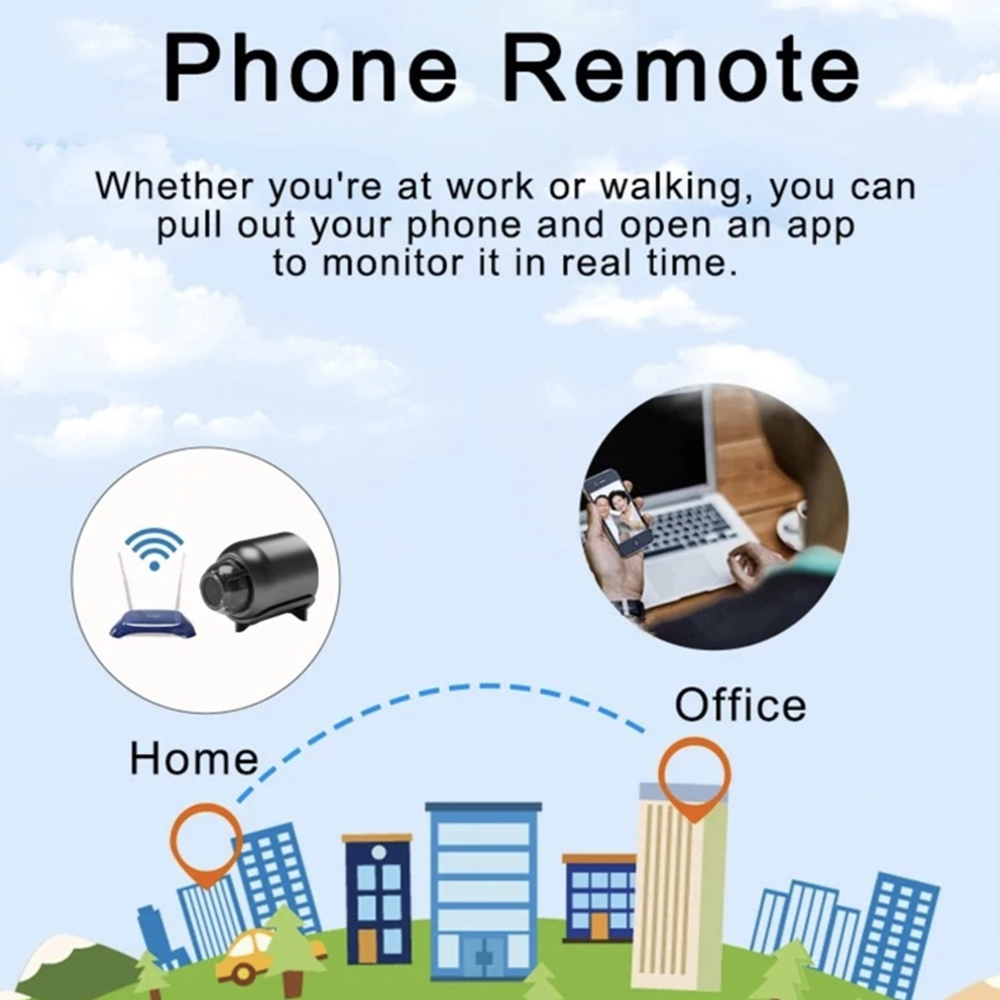
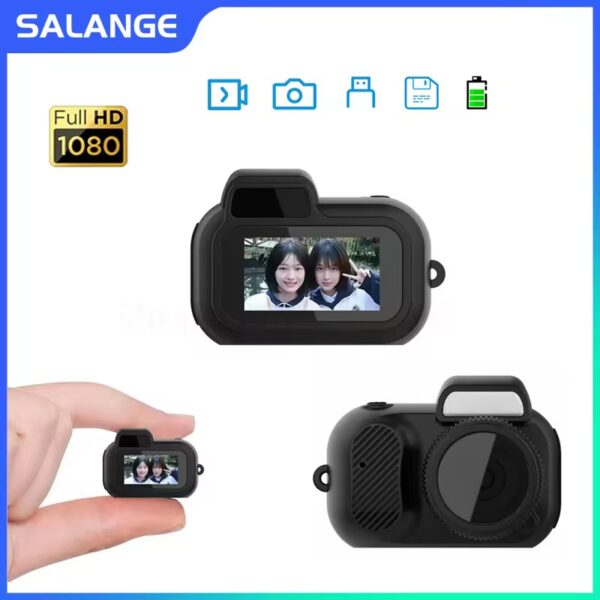
1. In a wireless network environment, download and install HomeEye in Google Play or App Store or scan the instructions corresponding to the QR code. Put the camera switch in the ON position and wait for 40 seconds. When you see the blue light of the device flashing, it indicates that the device has started normally.
2. Open the phone settings, select permission management, select bluecam and trust the application, start bluecam, click, and then select AP hotspot configuration. Enter the hot search page, search for the device and connect, click “Play”, a security prompt will pop up, and then click “OK” to enter the user settings page.
3. Set the username and password and click to complete the operation, then you can view it in real time.
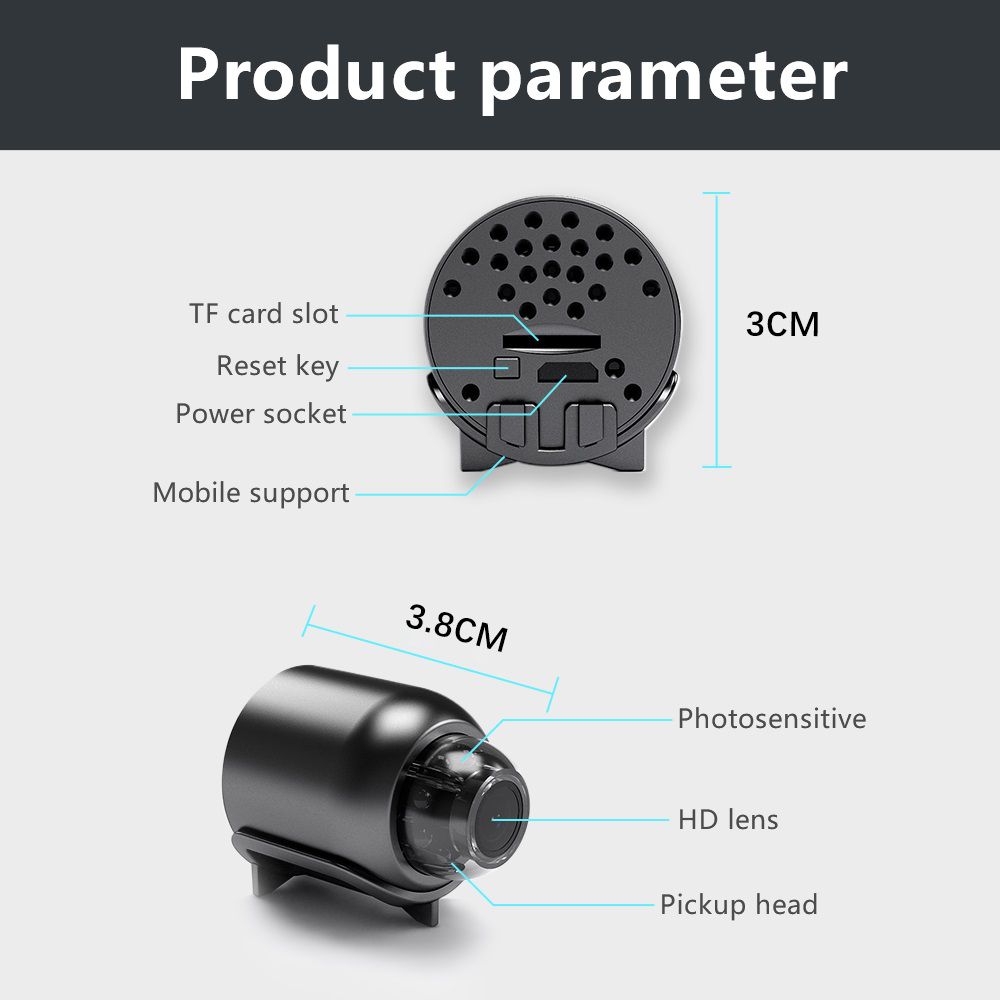
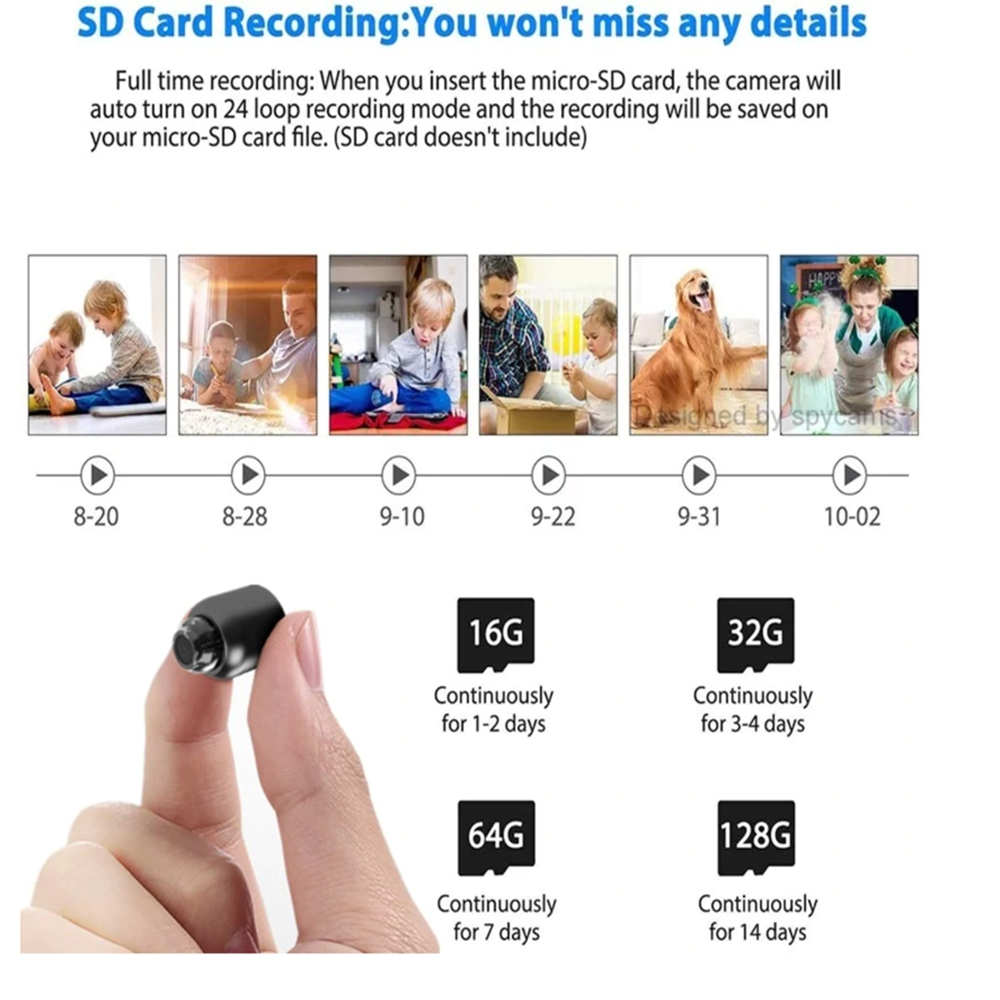
1 camera (without memory card)
1 micro charging cable
1 product manual, Chinese and English





















دیدگاهها
هیچ دیدگاهی برای این محصول نوشته نشده است.